

Customers already live in WhatsApp. If order updates and support still bounce between email and personal staff phones, you lose speed and context. WhatWali is EightyFive’s WhatsApp commerce layer for Shopify.
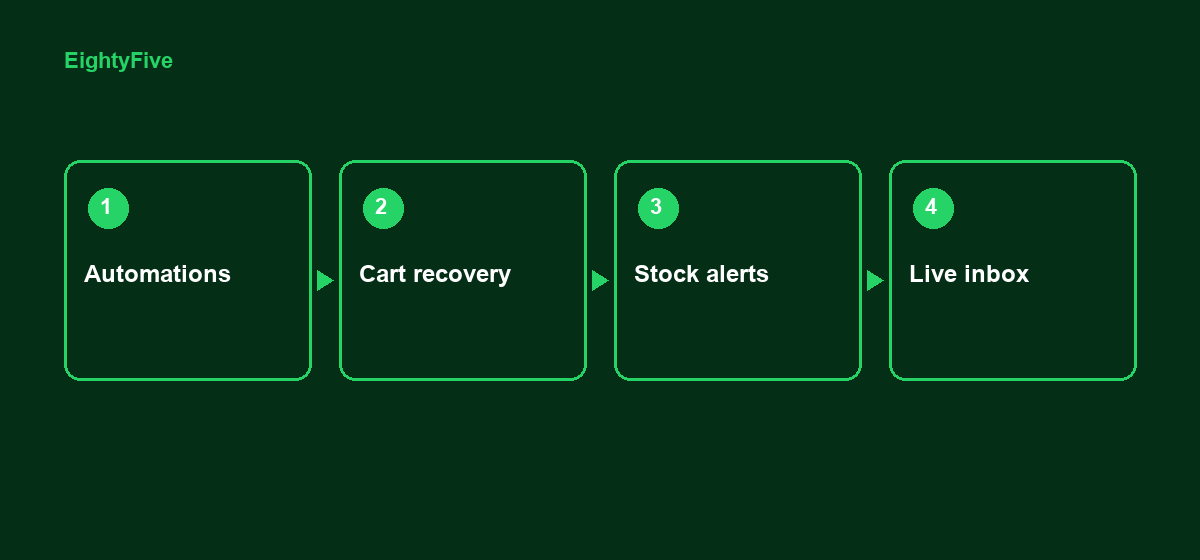
What merchants automate first
- Order confirmations, shipping updates, and cancellations
- Abandoned cart and draft order reminders
- Back-in-stock alerts when inventory returns
- Keyword auto-replies and customizable templates
- Order tagging from WhatsApp conversations
Inbox + Flow
Use the built-in WhatsApp inbox for real customer conversations. Connect Shopify Flow actions when you want WhatsApp steps inside broader store workflows. Quantum includes Inbox (Beta) for teams that need deeper chat ops.
When to use WhatWali vs CodShield
WhatWali covers engagement across the store journey — notifications, recovery, inbox. CodShield is the COD approval and RTO control workflow (risk, YES/NO confirm, Approve before ship). Many merchants run both: CodShield for COD gates, WhatWali for day-to-day WhatsApp commerce.
Install WhatWali on the Shopify App Store or talk to EightyFive.