

Cash on delivery still converts in many markets. It also creates expensive return-to-origin (RTO) when buyers never intended to accept the parcel. The fix is not more packing staff. It is confirming COD before you hand the order to a courier.
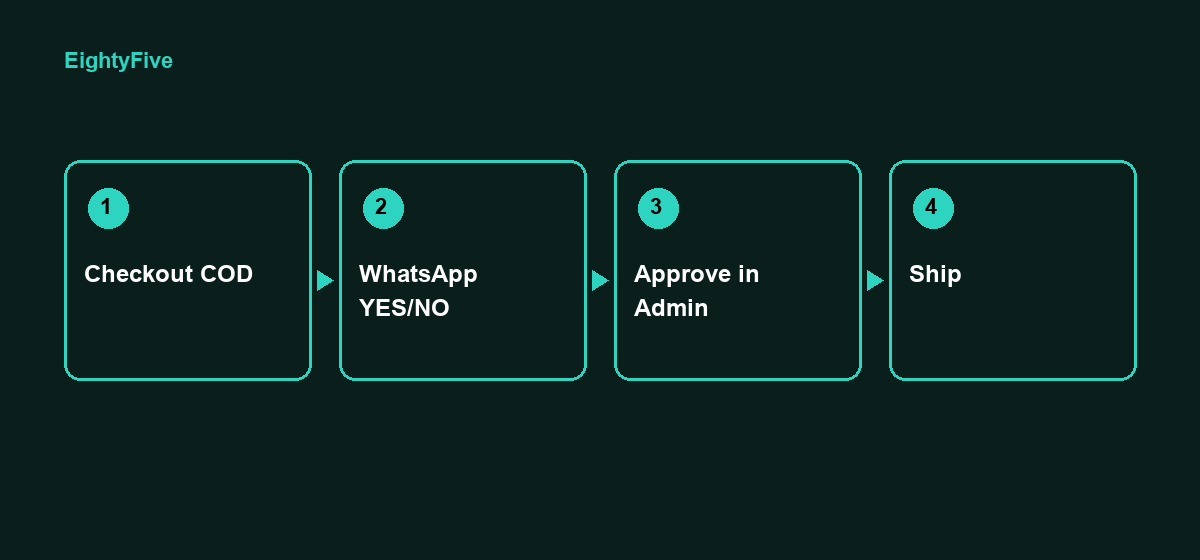
Why COD RTO destroys margin
You pay pick, pack, outbound shipping, and often return fees. Fake or unserious COD orders look like demand until the courier brings the parcel back. Repeat bad phone numbers make it worse.
A Shopify-native COD approval flow
CodShield runs inside Shopify Admin. After checkout, COD orders can be held, scored, and confirmed over WhatsApp from the merchant’s own number (QR / Linked devices), then approved or cancelled in one Orders queue.
- Customer places a COD order at Shopify checkout
- Rules and risk score decide allow, confirm, deposit, hide, or block paths
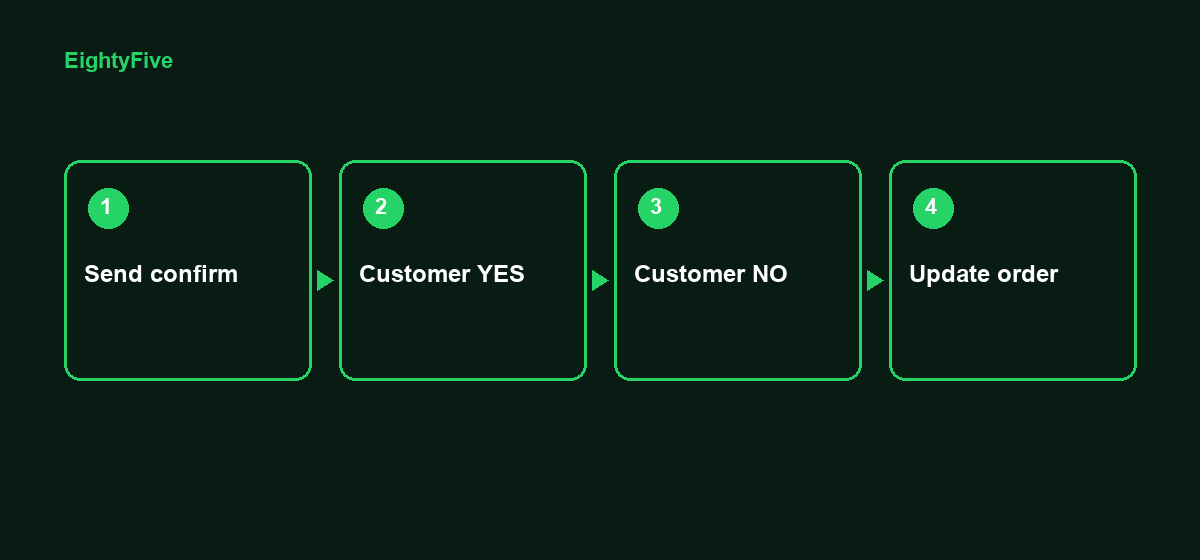
- WhatsApp YES/NO confirmation when the tier needs it
- Ops Approves, Cancels, or blacklists from CodShield Orders
- Only then do you ship
What to measure
- Pending confirmation vs approved to ship
- No-reply and auto-cancel rate (Flow / Quantum)
- Repeat RTO phones caught by import + blacklist
Start free
Pulse is free for 50 COD orders per month with two tiers. Install CodShield on the Shopify App Store, connect WhatsApp, and confirm before you ship.
Built by EightyFive. Need help rolling this out? Contact us.